Learn
Guides on tidying up the macOS menu bar.
Hide the clock icon from the Mac menu bar: what still works
Trying to hide the clock icon from the Mac menu bar and finding no switch for it? Here is where the setting went, how to shrink the clock instead, and what each workaround costs.
Hide the Control Center icon from the Mac menu bar: what is possible
There is no setting to hide the Control Center icon from the Mac menu bar. Here is why it is fixed in place, which modules can be removed instead, and what each choice costs.
Hide the Discord icon from the Mac menu bar without missing messages
How to hide the Discord icon from the Mac menu bar: working out what is producing it, which settings actually remove it, and what macOS will not let you turn off.
Hide the Docker icon from your Mac menu bar
How to hide the Docker icon from your Mac menu bar without stopping containers: what macOS handles alone, what the app controls, and what a menu bar tool adds.
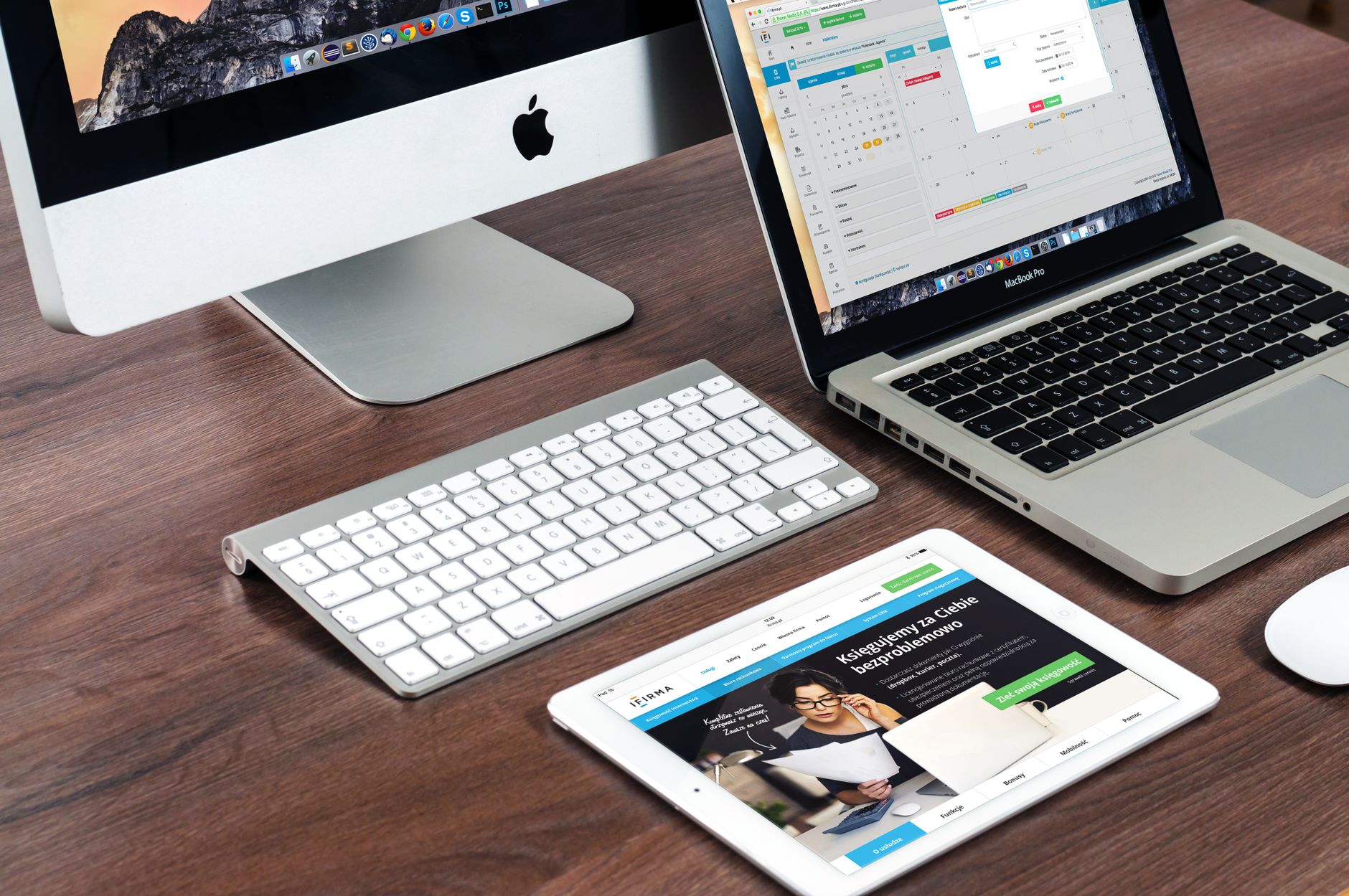
Hide the Dropbox icon from your Mac menu bar
How to hide the Dropbox icon from your Mac menu bar without breaking sync: what Finder already shows, what quitting costs, and where a menu bar tool helps.

Bartender 5: what changed and what to check first
Bartender 5: what changed for anyone whose menu bar is full, the four things a version bump really alters on a Mac, and what to check before switching.
A free Bartender alternative: what to check first
A free Bartender alternative can work well. Where the free options come from, how much macOS already hides on its own, and four checks before installing.
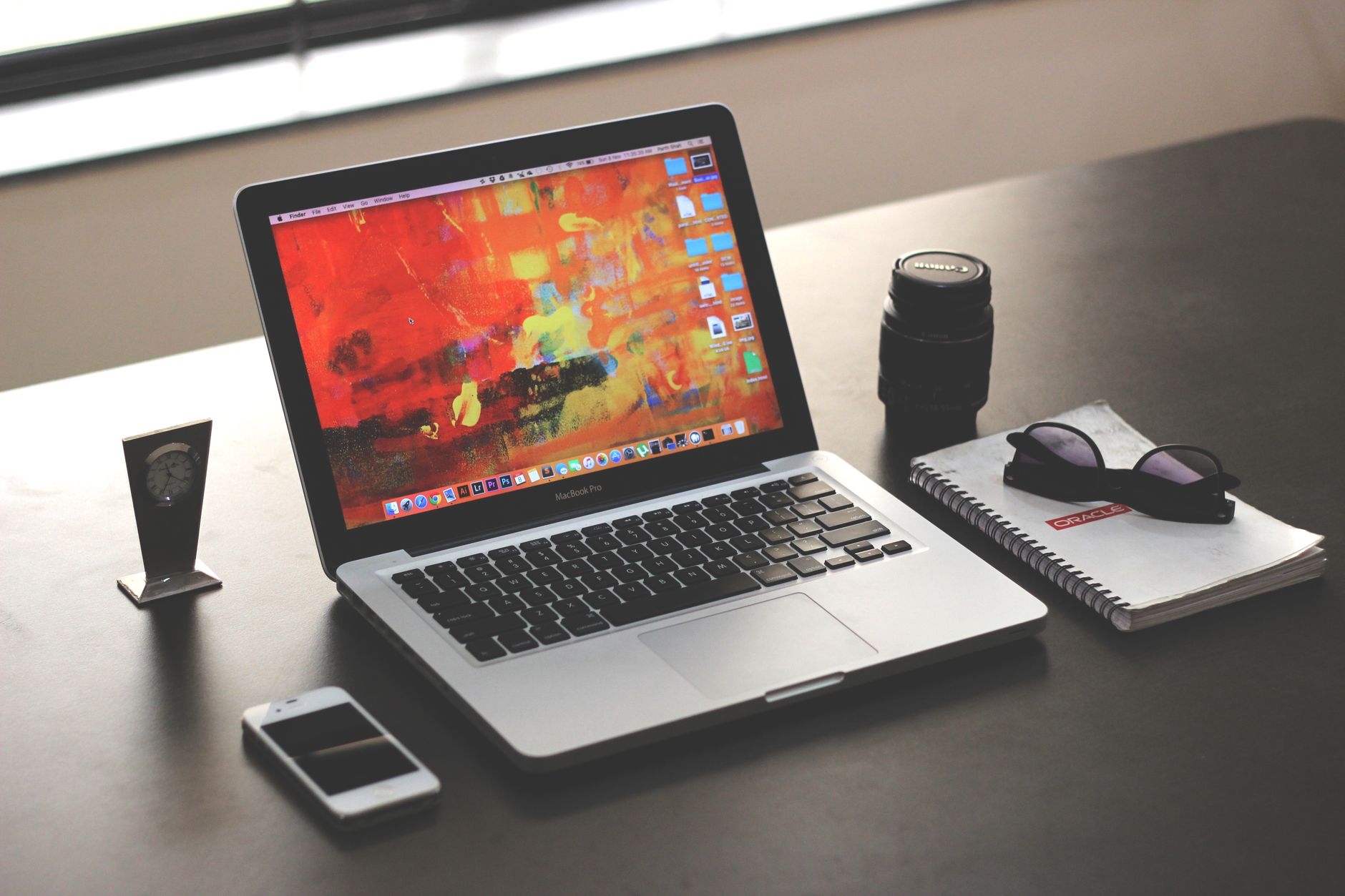
Bartender alternatives on Mac: what settings transfer
Bartender alternatives on Mac: the real cost is rebuilding settings. What an import carries across, what it does not, and the order to rebuild in.