Learn
Guides on tidying up the macOS menu bar.

Why the clock on your Mac shows the wrong time and how to fix it
When the mac clock is wrong, three different faults look identical. Here is how to tell the time, the time zone and the format apart, and the fix for each.

MacBook Air tricks that make a small screen feel less crowded
The mac air tricks that matter are the ones that give screen space back. Here are the macOS 27 settings for spaces, tiling, the Dock and the menu bar.

The bar at the bottom of a MacBook screen is the Dock, and here is how to shrink or hide it
The MacBook bar at bottom of the screen is the Dock. Here is how to shrink it, hide it, move it to the side, and stop it changing shape on its own.

Why the menu next to the Apple logo changes with every app you open on a Mac
The app menu on a Mac belongs to whichever app has focus. What is in each menu, how to read the symbols, and why it steals width from your status icons.

What the Apple menu on a Mac is for and the commands in it worth knowing
Every item in the Apple mac menu, what it actually does, the keyboard route that skips it, and the Option key trick that removes the confirmation dialog.
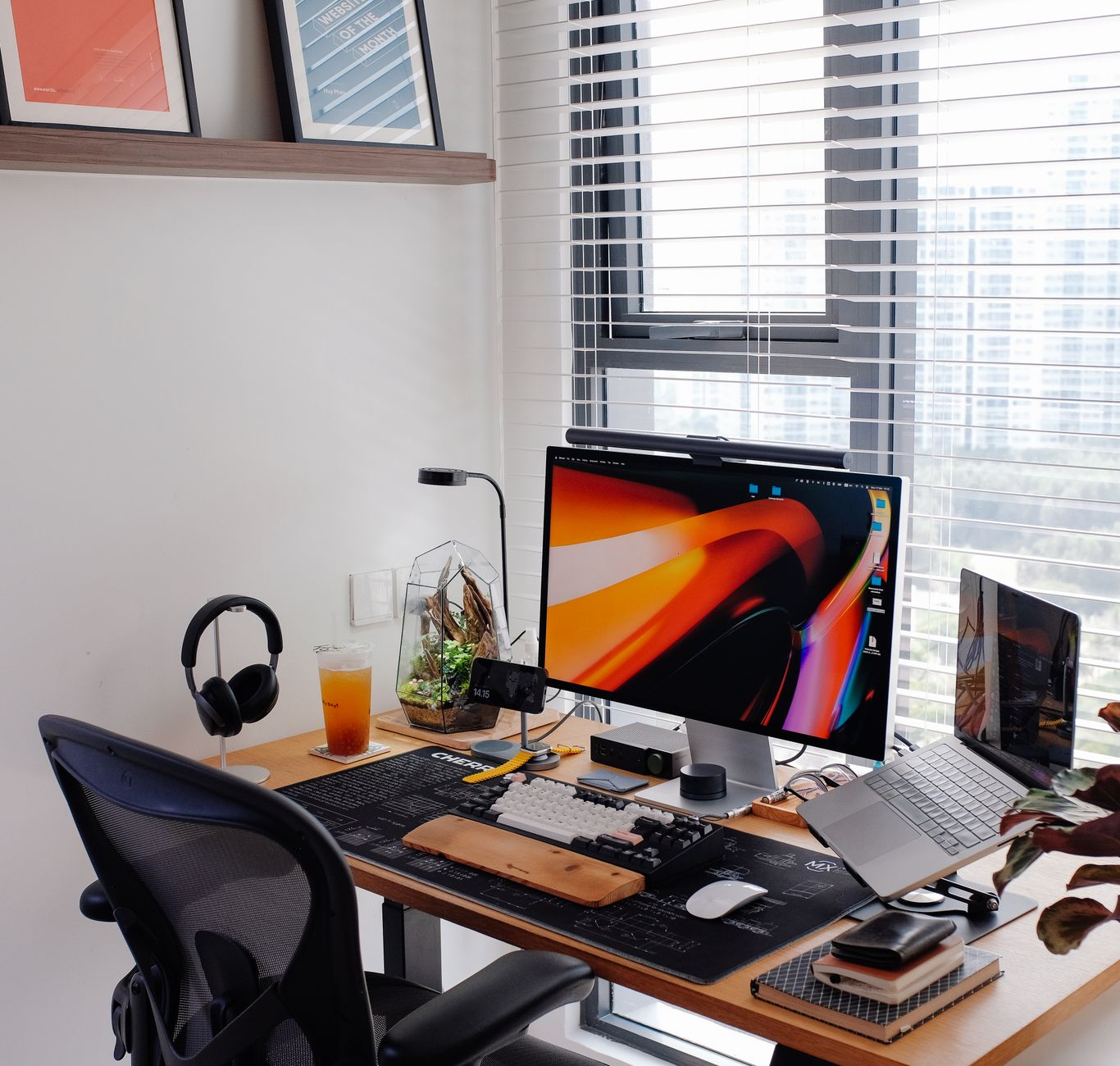
How to arrange desktop icons on a Mac so they stay where you put them
A clear way to arrange desktop icons on a Mac: the three layout modes, the exact menu names, why icons drift after a display change, and what to fix first.

Ways to keep a Mac desktop clean automatically without deleting anything
How to automatically clean up a desktop on a Mac: what Stacks, sorting, hiding and rule based moves each do, what they cost, and which one to switch on first.
How to see the exact battery percentage on a MacBook Air
How to display battery percentage on a MacBook Air, where the setting moved to in current macOS, what the number does not tell you, and what to do when it vanishes.