Learn
Guides on tidying up the macOS menu bar.
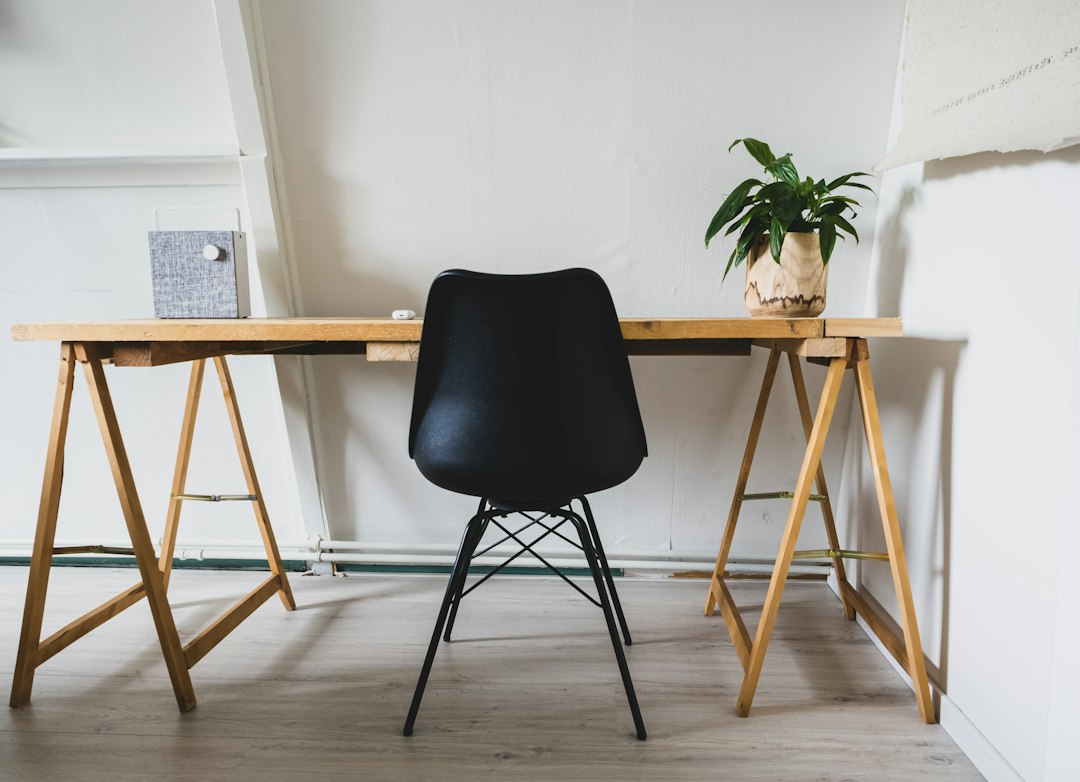
A MacBook charge limit: what macOS does on its own and what it does not
A MacBook charge limit is now a built-in macOS setting. Where it lives, how it differs from Optimized Battery Charging, and when a third party app still earns its place.
Hide the Top Bar on a MacBook: Full Screen and Auto Hide
How to hide the top bar on a MacBook, what the four auto hide states actually do, why full screen behaves differently, and when hiding is the wrong fix.
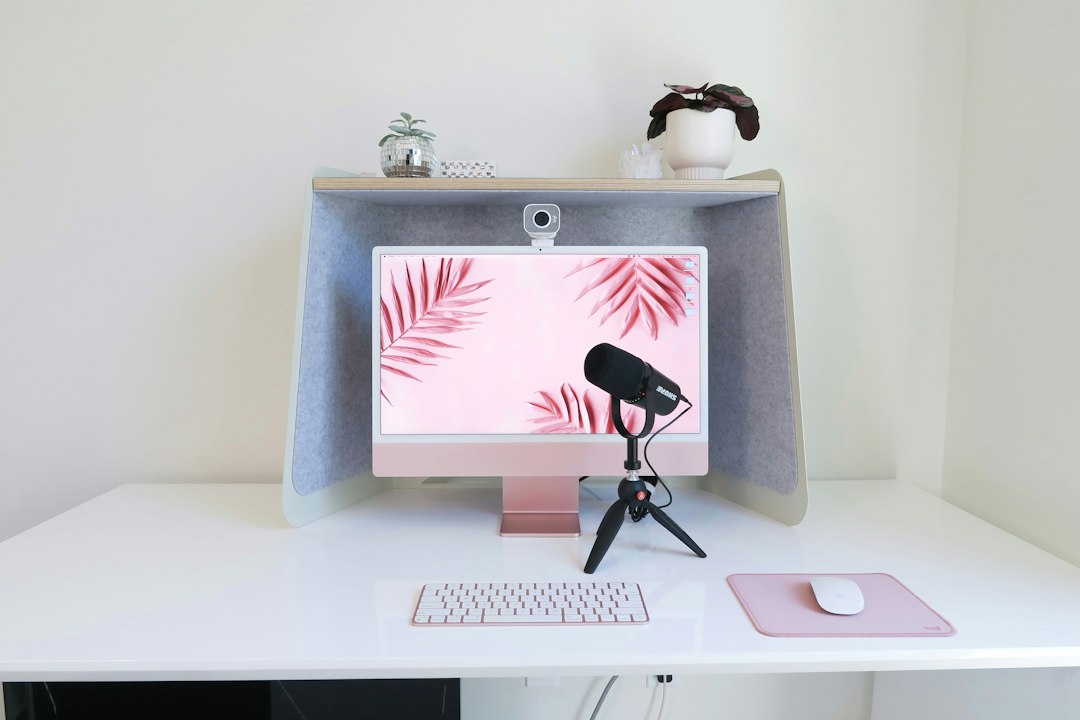
A MacBook with multiple monitors: arranging screens so nothing hides
A MacBook with multiple monitors: what each chip actually supports, why a hub does not raise the ceiling, how to choose which screen holds the menu bar, and how to stop items from hiding.
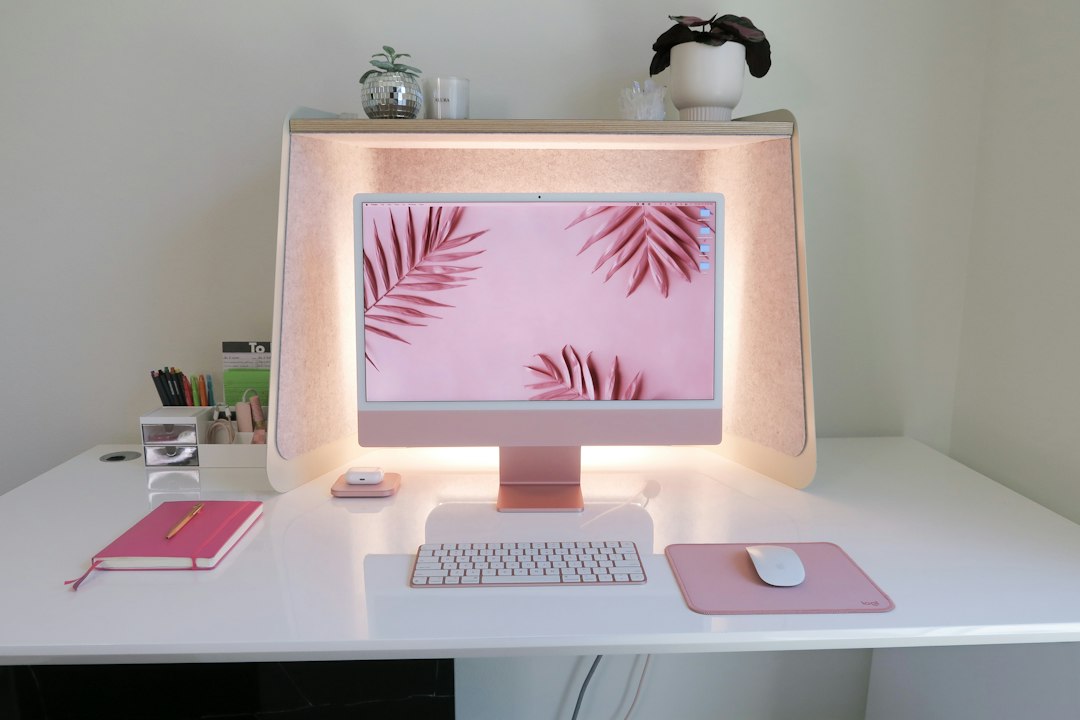
Display resolution on a MacBook Pro: scaling that keeps text readable
Display resolution on a MacBook Pro: native pixels versus the scaled workspace, what More Space really costs, and which setting to change first.
Night mode on a MacBook Pro: Night Shift, Dark Mode and which is which
MacBook Pro night mode is three separate settings, not one. What Night Shift, Dark Mode and Auto each change, how they interact, and which one to set first.
MacBook Pro True Tone: what it changes and when to turn it off
MacBook Pro True Tone explained: what the ambient light sensor actually changes, how it differs from Night Shift, and the one kind of work that needs it off.
MacBook setup: the order to work through on the first afternoon
A MacBook setup order that puts the expensive decisions first: migration, admin accounts, updates, backups, login items, and the menu bar nobody plans for.
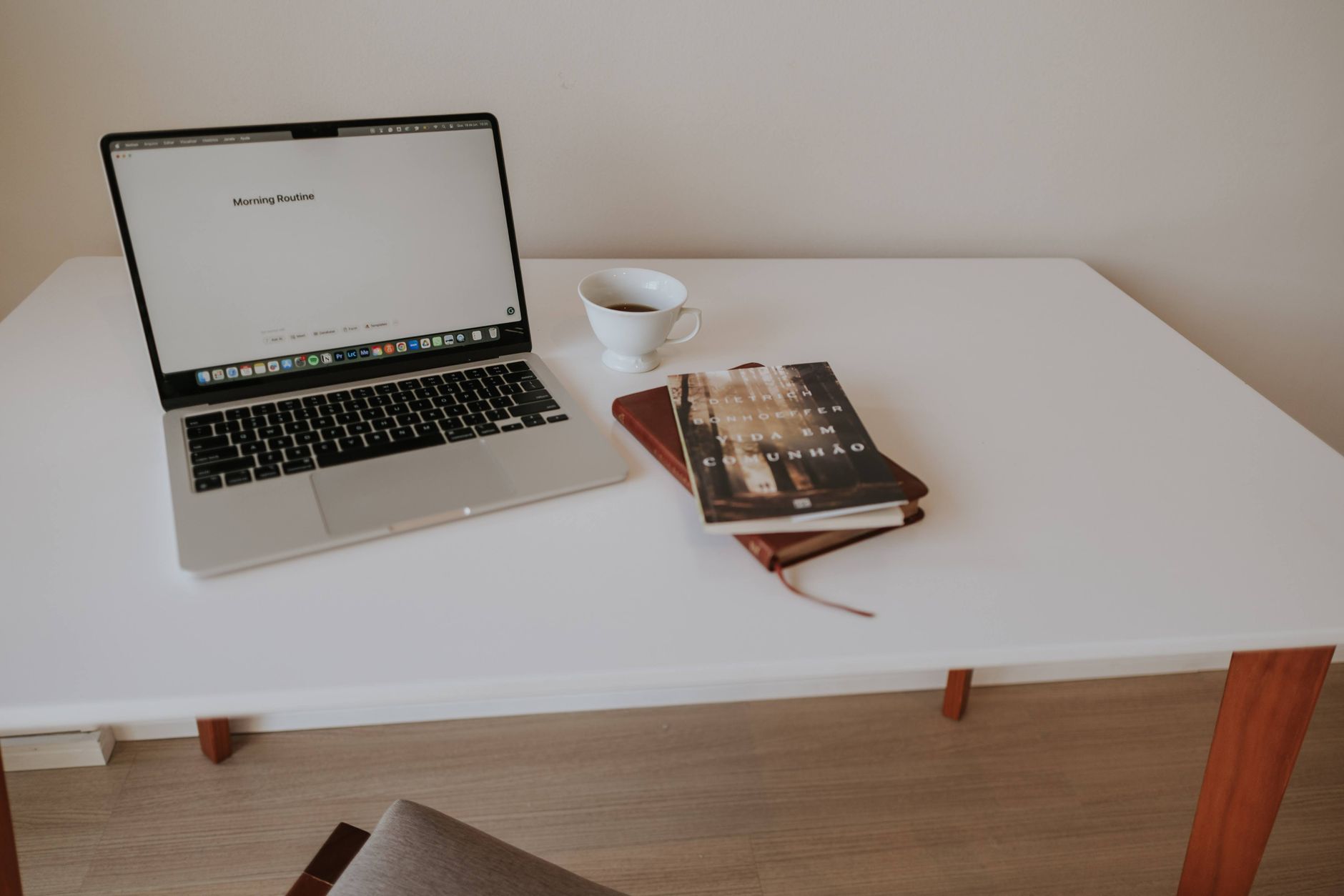
The MacBook Bar at the Bottom: What the Dock Does and Does Not
The MacBook bar at the bottom is the Dock. What it controls, how to bring it back when it disappears, and why background apps never appear there at all.