Learn
Guides on tidying up the macOS menu bar.

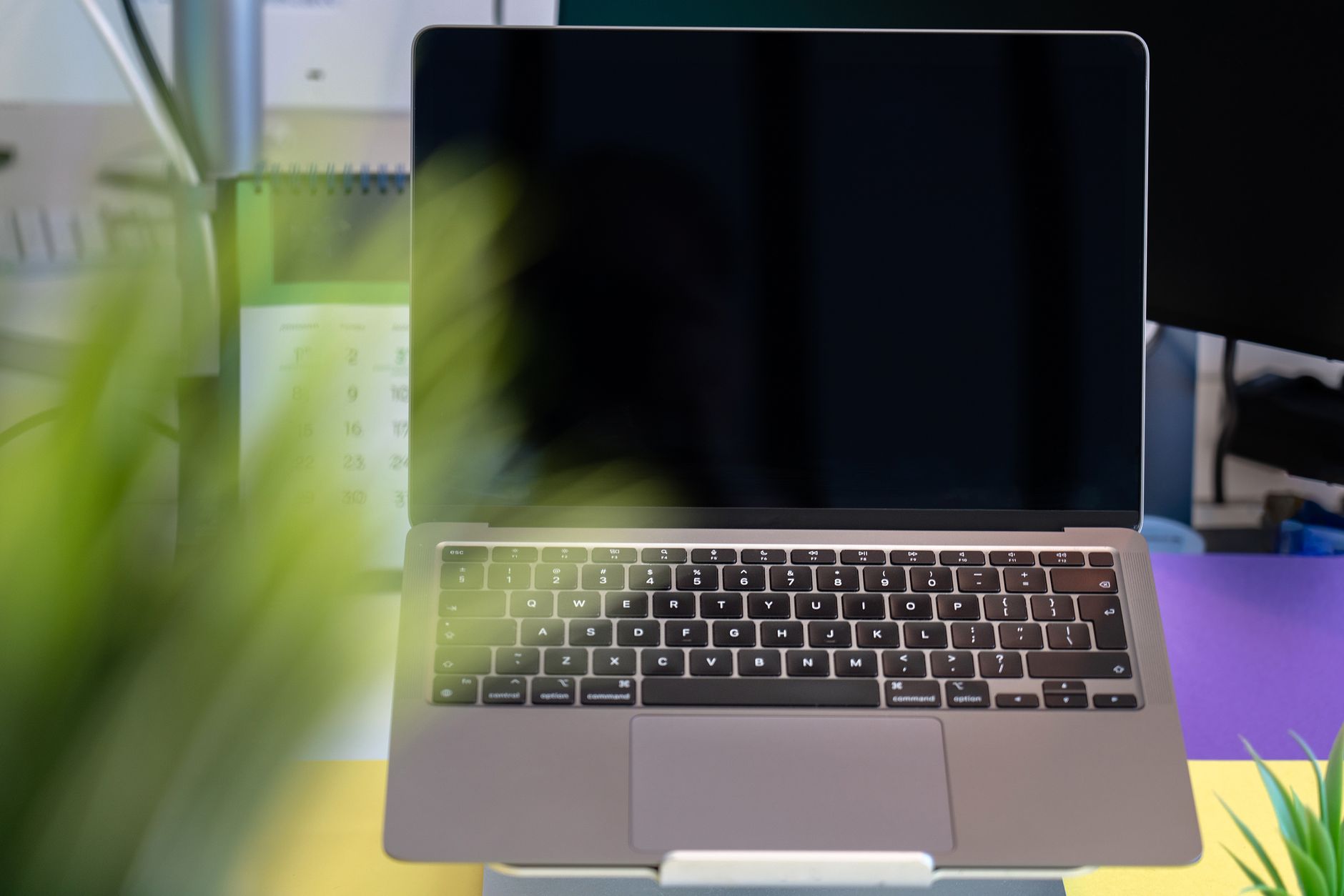
The Mac keyboard shortcuts worth learning first, including the ones for the menu bar
Which Mac keyboard shortcuts actually change a working day, how the modifier keys fit together, and the two shortcuts that move keyboard focus into the menu bar.
The Mac Keyboard Viewer: seeing what each modifier key types
The Mac Keyboard Viewer shows what every key types under Option and Shift, how to open it when the Input menu is missing, and how it differs from Character Viewer.
The Mac login screen: what appears there and what you can change
What the Mac login screen shows, which parts are adjustable, and which are fixed: automatic login, why the setting is dimmed, login pictures, accessibility at the login window.
Mac memory pressure: reading the graph before closing everything
Mac memory pressure explained: what the green, yellow and red graph measures, which numbers beside it matter, and what to change before buying more RAM.

What the Mac Menu Bar Is For: Reading It and Trimming It Down
A working read of the mac menu bar: what each item actually is, which switches macOS already gives you, and how to decide what to hide, block, or keep.
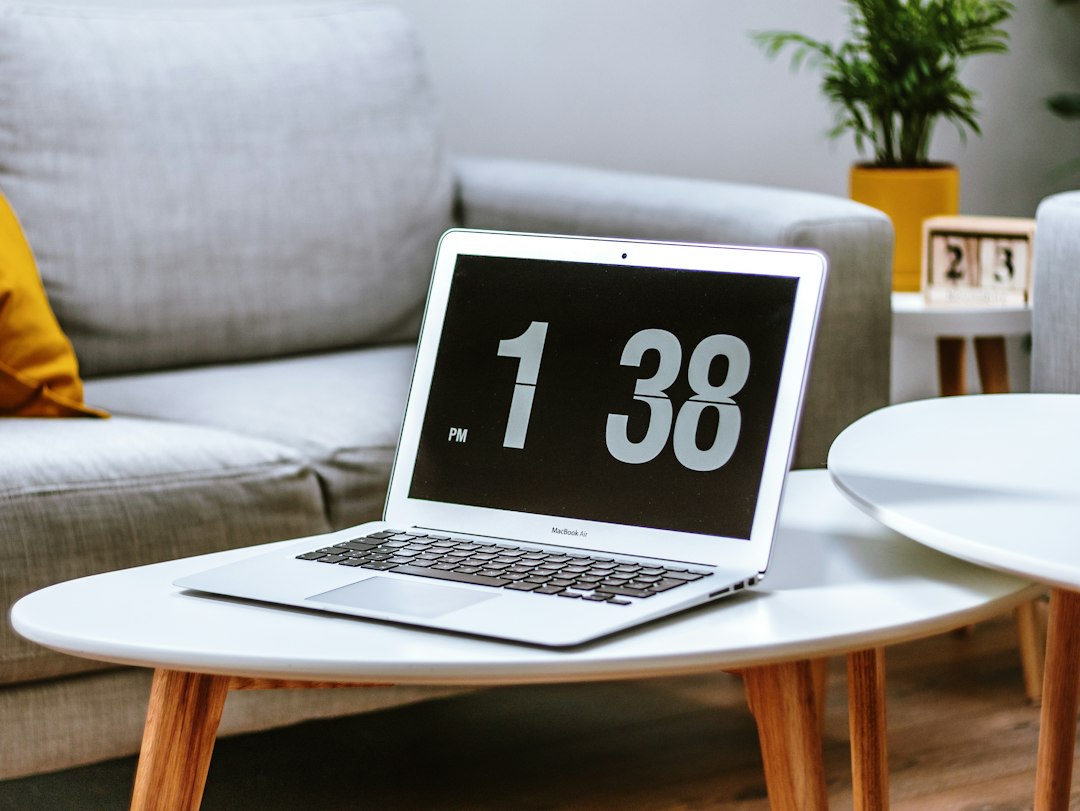
Everything you can change about the clock in the Mac menu bar
The mac clock settings sit in three different panes in macOS 27. Here is what each one controls, why the clock dims, and why it cannot be removed from the bar.
Mac menu bar font size: why it will not change, and what to do instead
There is no mac menu bar font size setting. Here is what the Accessibility text slider actually reaches, the one control that does scale the bar, and its cost.

What each part of the Mac menu bar does, from the Apple menu to the clock
A map of the Mac menu bar: what lives in each region, which System Settings pane controls it, and why a crowded bar drops icons instead of wrapping.