Learn
Guides on tidying up the macOS menu bar.
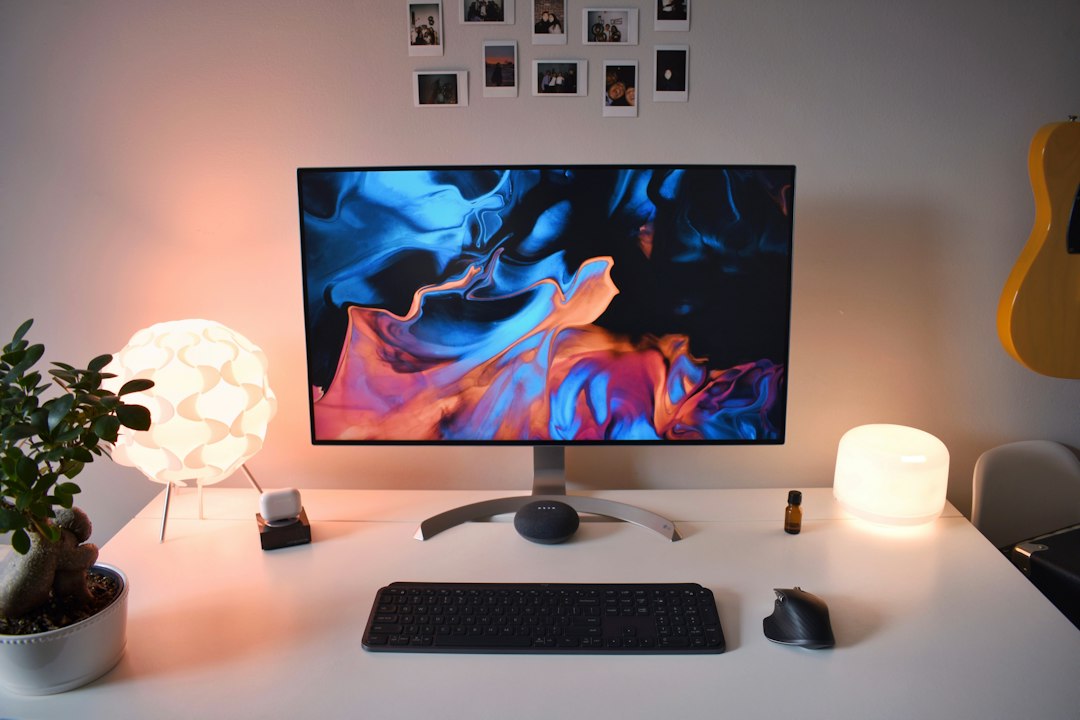
A Mac mini desktop setup: what to put on screen and what to hide
A Mac mini desktop setup decided on screen rather than on the desk: display support, which monitor gets the menu bar, and what belongs in the strip at the top.

How to check the battery level of a mouse or keyboard connected to your Mac
Find the mac mouse battery level in Control Center, read it from the Terminal, and understand why some Bluetooth mice never show a percentage at all.

Mac display resolution: what changes in the menu bar when you scale it
Mac display resolution explained: pixels against points, what Default really picks, the hidden list view, and what scaling costs the menu bar and performance.
The Mac firewall: what it blocks and how to see it from the menu bar
What the Mac firewall blocks, what the five options behind it do, why turning it on changes less than expected, and how to read its state with no menu bar item.

Mac kernel_task at high CPU: why it appears and what to do
Mac kernel_task high CPU explained: what the process is doing, why the percentage goes past 100, how to find the process underneath it, and what to change.
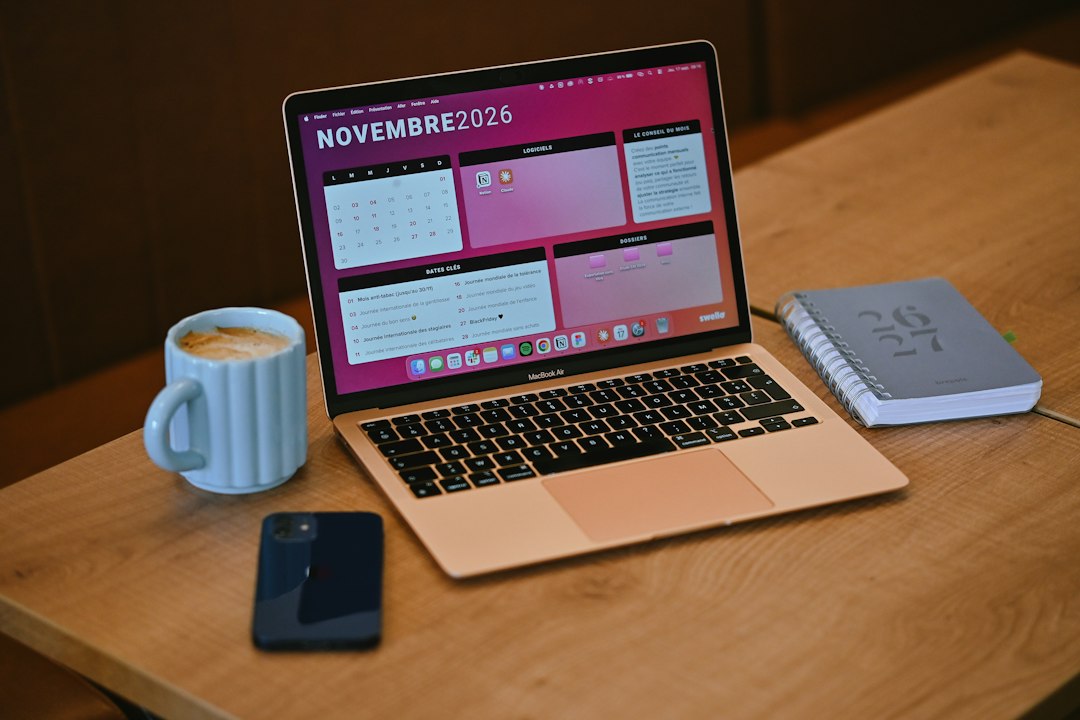
Mac tricks that save a few seconds every time, most of them already built in
The mac computer tricks worth keeping are already in macOS 27. Here is what each one saves, what it costs to set up, and which settings to change first.
A Mac connected to WiFi with no internet: where the break usually is
A Mac connected to WiFi with no internet fails at one of four separate stages. Here is how to tell which one, using the tools macOS already ships with.

Mac Dark Mode: what happens to the menu bar and the icons in it
Mac Dark Mode is one click, but the menu bar is the part that never quite lands. What Appearance settings actually control, and why status icons look wrong.