Learn
Guides on tidying up the macOS menu bar.
Mac apps worth installing first, sorted by the problem each one solves
A short list of the best Mac apps, organised by the problem each one fixes, with current prices, macOS requirements and the costs that never appear on a price tag.

What Boring Notch does with the MacBook notch, and what it leaves to other apps
Boring Notch turns the MacBook notch into a controls strip. What it does, what it costs, the first launch warning, and the menu bar problem it does not solve.

How to change the time format and the look of the clock on a Mac
How to change clock on Mac depends on which clock is meant. Here are the settings for the format, the 24-hour switch, the analog face, the time itself and the zone.
Hide desktop icons on a Mac and keep the files
To hide desktop icons on a Mac, turn off Show Items On Desktop in Desktop & Dock settings. Files stay put. Four other methods, and how to bring the icons back.
Remove the McAfee icon from the Mac menu bar safely
How to remove the McAfee icon from the Mac menu bar: the Allow in the Menu Bar switch in macOS, hiding it with a menu bar manager, or the uninstaller.
Hide the notch on a MacBook: what actually works
Three routes hide the MacBook notch: Apple's Scale to fit below built-in camera, a black menu bar app such as TopNotch, or Say No to Notch. None restores icons.

Status bar, menu bar, menu bar extras: the names macOS uses
The Mac status bar is officially the menu bar, and its right-side icons are status menus. What sits on each side, what can be changed, and why icons vanish.
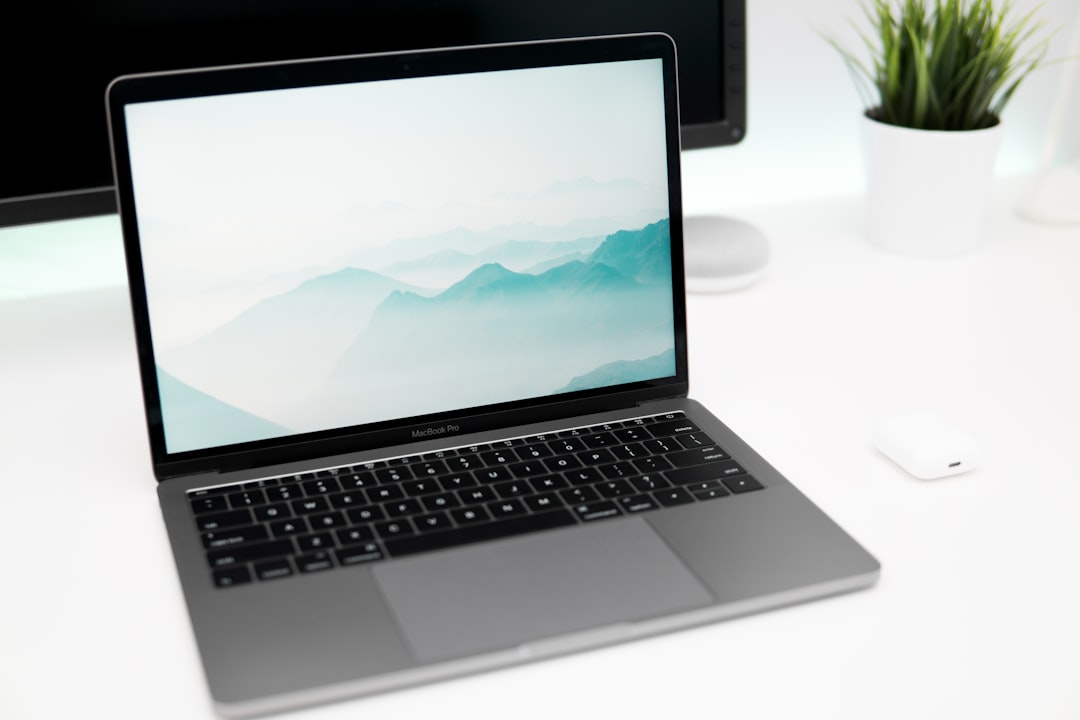
How many icons fit in a MacBook menu bar
A MacBook menu bar holds a fixed width, not a set number of icons, and the notch splits it in two. How to add, remove and reorder icons and find the real limit.