Learn
Guides on tidying up the macOS menu bar.

Mac brightness not working: the places the control hides
Mac brightness not working is four different faults wearing one symptom. How to tell keys, sliders, external displays and automatic dimming apart, in order.
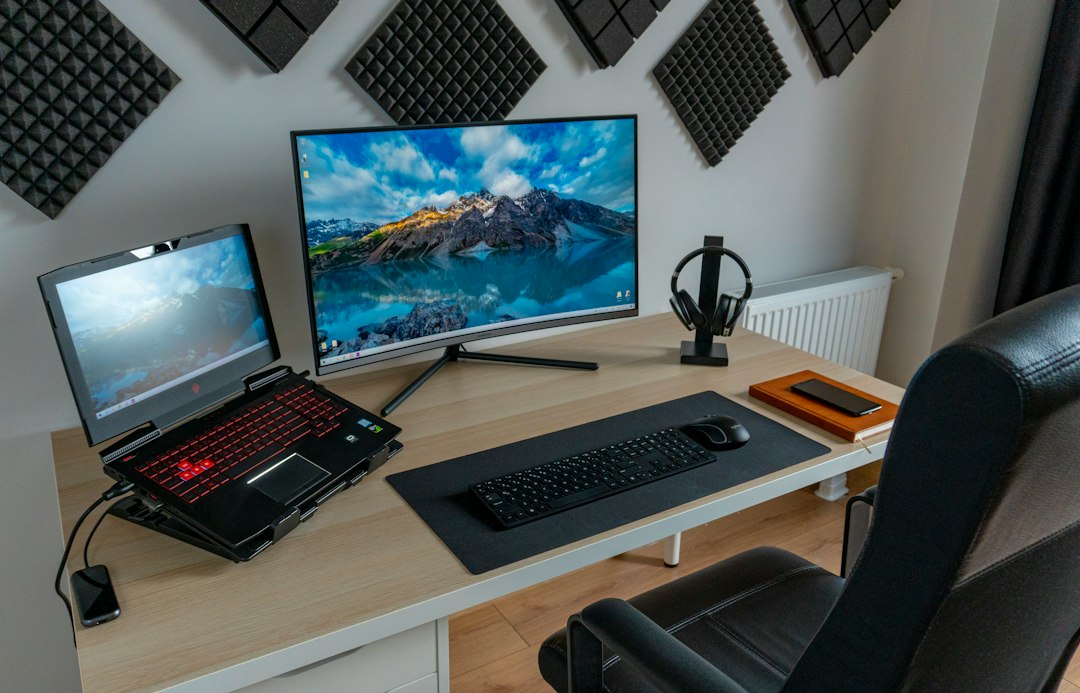
The Mac Character Viewer: finding a symbol without leaving the app
The Mac Character Viewer has three ways in, two different click behaviours, and a setting that makes it open when nobody asked. Here is where each one lives.

The Mac Clock in the Menu Bar: Format, Seconds, and Time Zones
The Mac clock hides eight settings across three panes: seconds, date, analog, spoken time, time zones. Where each one lives and what it costs in width.
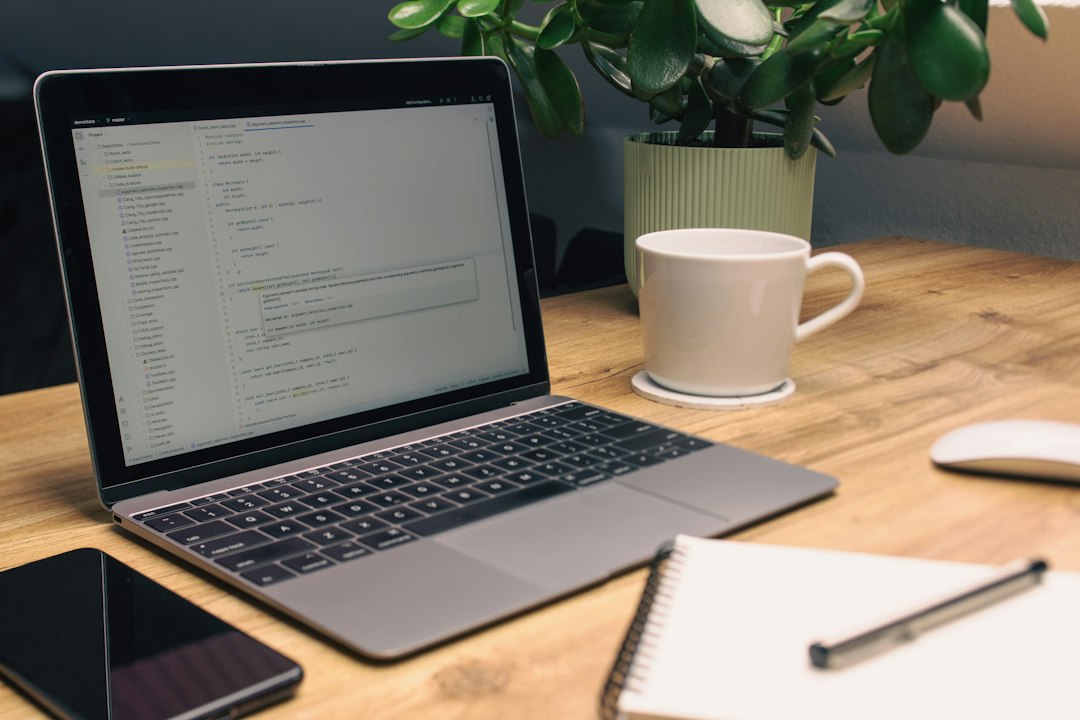
When the Mac Clock Is Wrong: Time Zone, Network Time, and Sleep
A mac clock is wrong for three separate reasons: the zone, the network time source, or a long sleep. Here is how to tell which one, and what each fix touches.
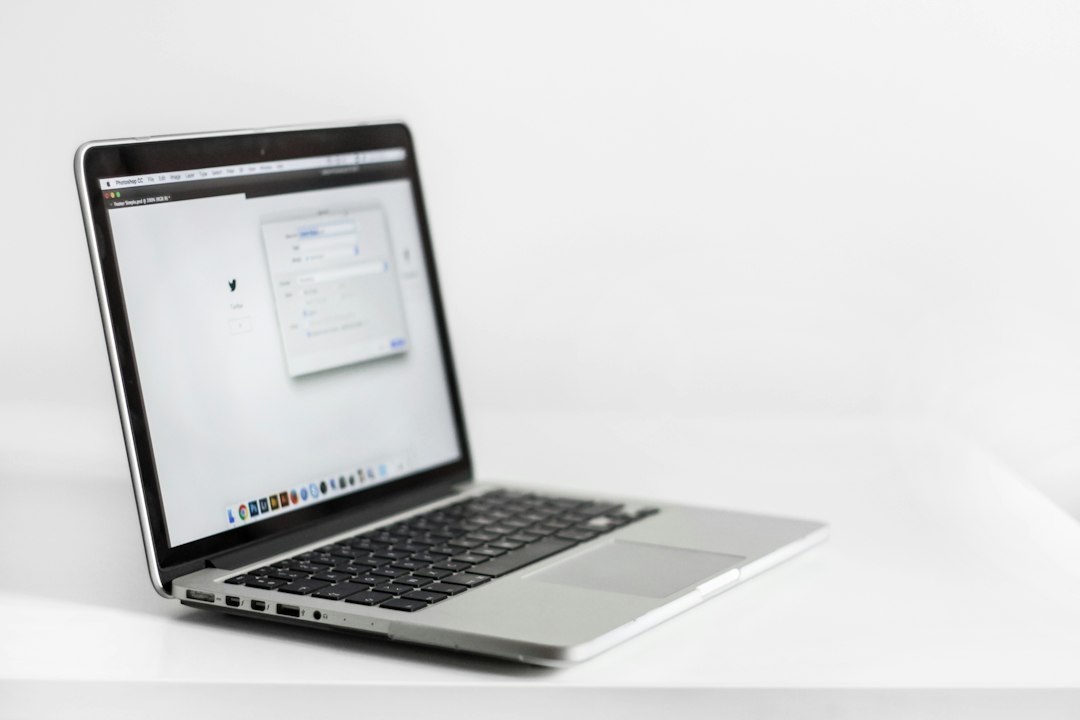
MacBook won't connect to WiFi but other devices will: where to look
When a MacBook won't connect to WiFi but other devices will, the phone that works rules out less than it seems. Here is what to check, and in what order.
The MacBook Bar at the Top: Reading It Left to Right
The macbook bar at top read in order, from the Apple menu to the clock, with the rules that decide where each icon sits and which end loses items first.
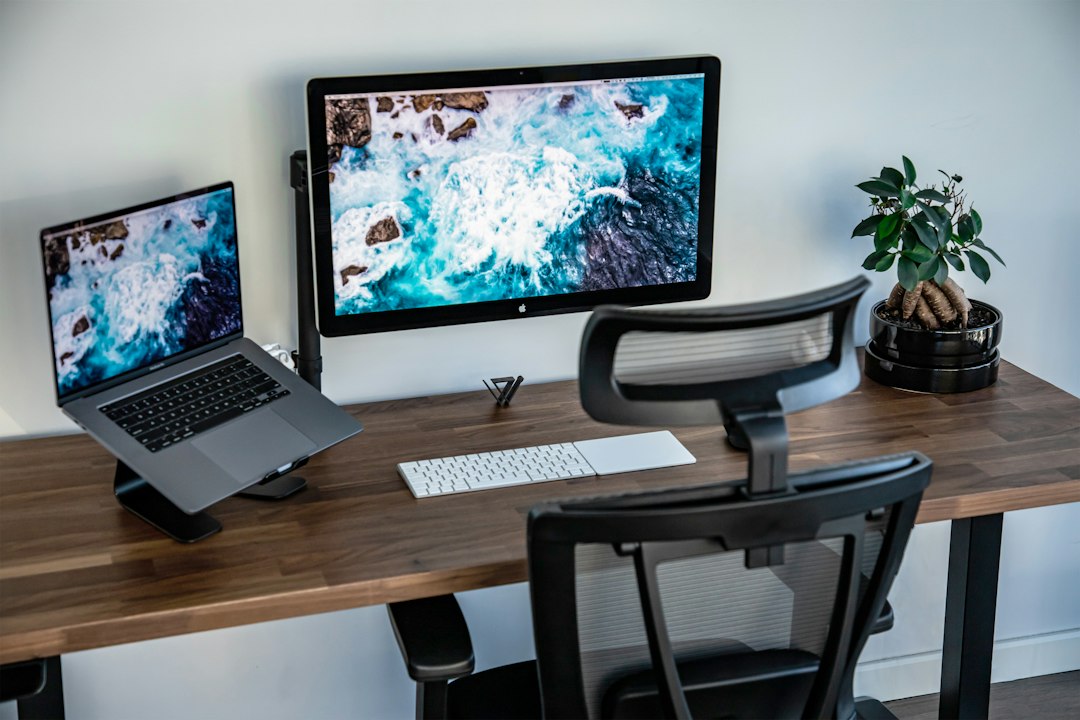
MacBook Bluetooth not working: the checks to run before a restart
MacBook Bluetooth not working: the free checks that fix it most often, why a dock or a metal stand is a common cause, and where a restart belongs in the order.

The MacBook Bottom Bar for Windows Switchers: Not a Taskbar
The macbook bottom bar is the Dock, and it is not a taskbar. What it holds, what the dots and the separator mean, and where the status icons actually went.